
This tutorial explains the common error messages you may encounter when verifying your field hockey membership in Playbook. Understanding these messages will help you resolve issues quickly and complete your registration successfully.
1. Understand Error Messages
Here are different error messages that you will encounter when trying to verify your field hockey membership in Playbook.
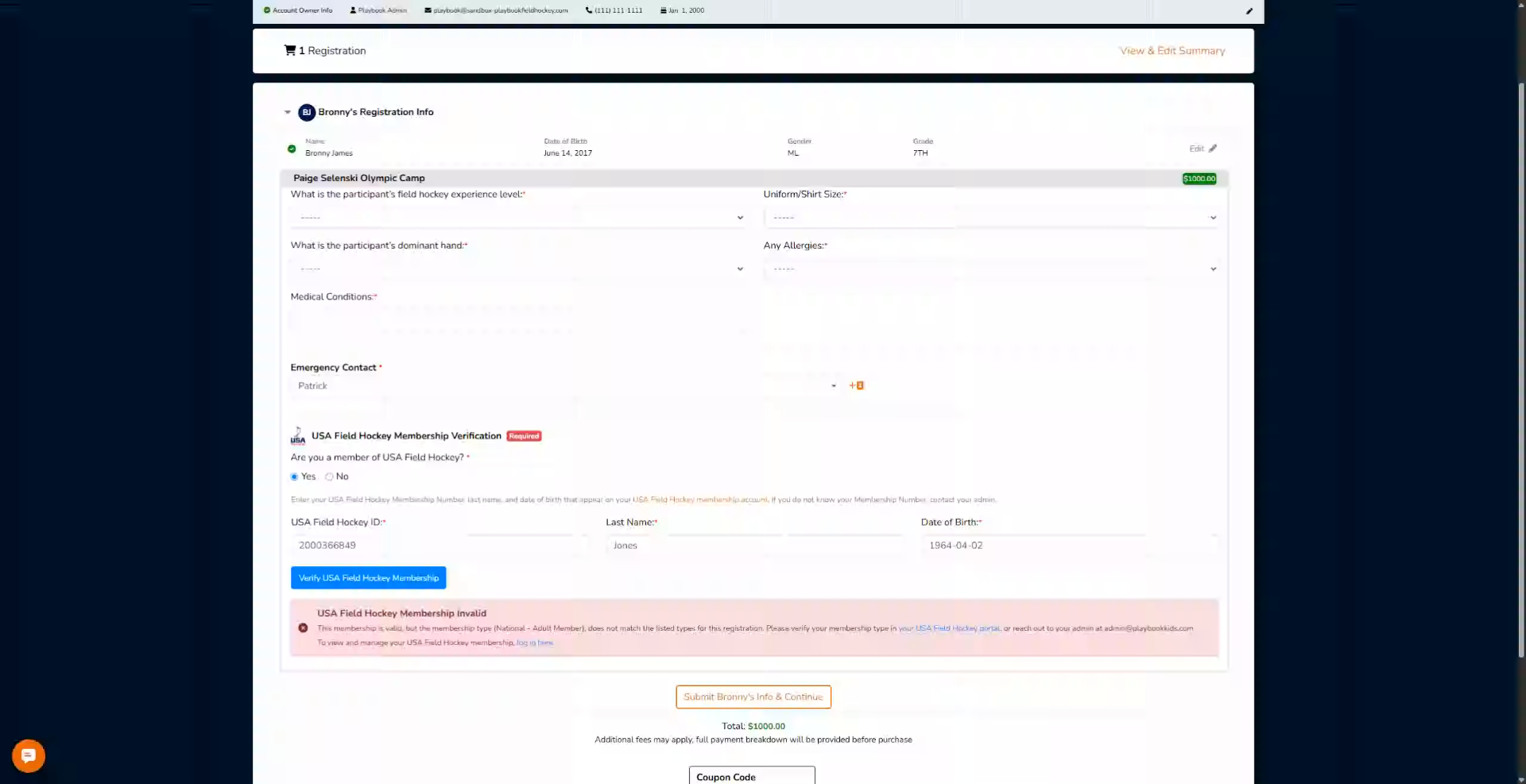
2. Recognize Invalid Membership Type
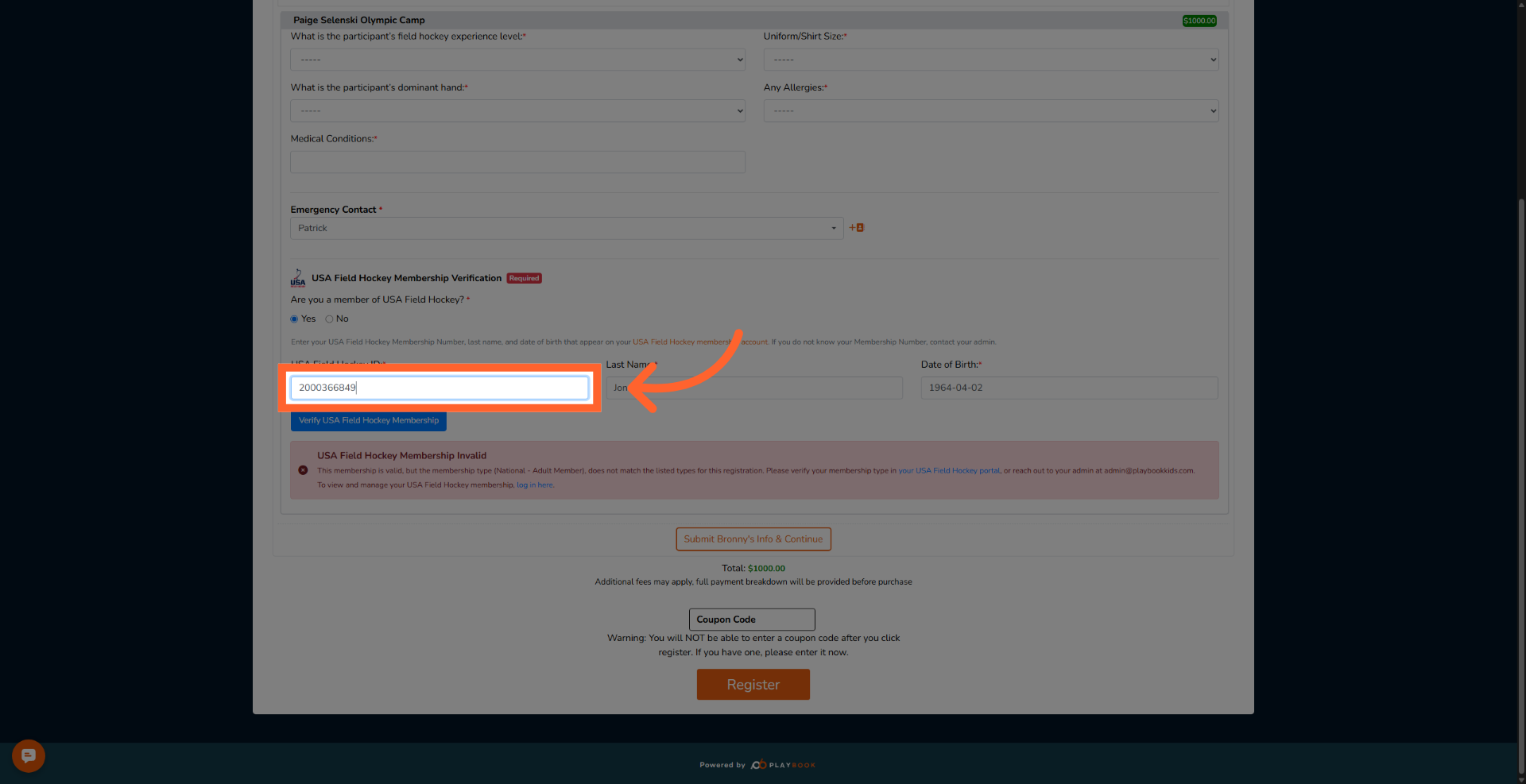
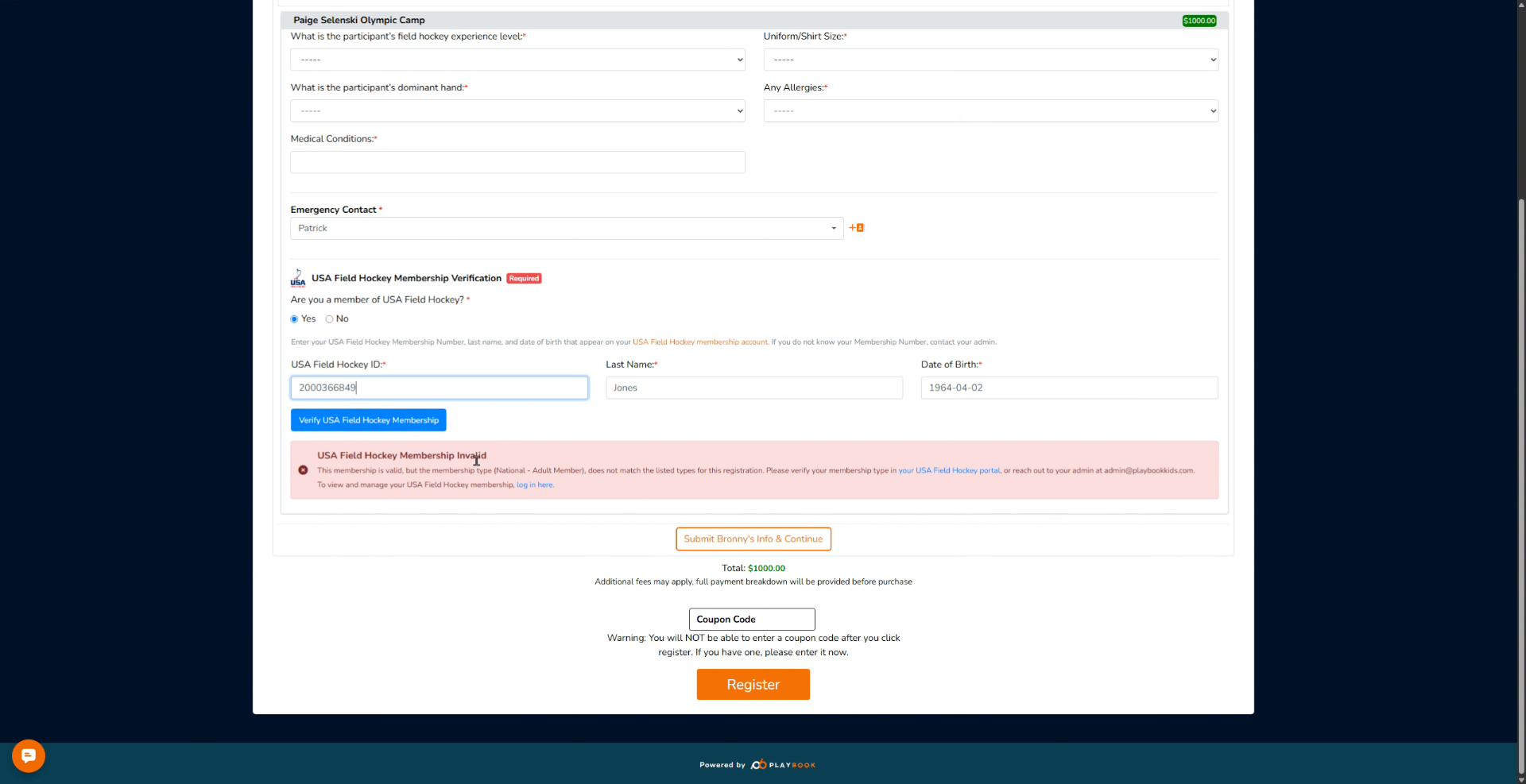
First, you will see this option that says USA Field Hockey Membership is invalid. Under it, it says this membership is valid, but the membership type does not match the listed types for this registration.
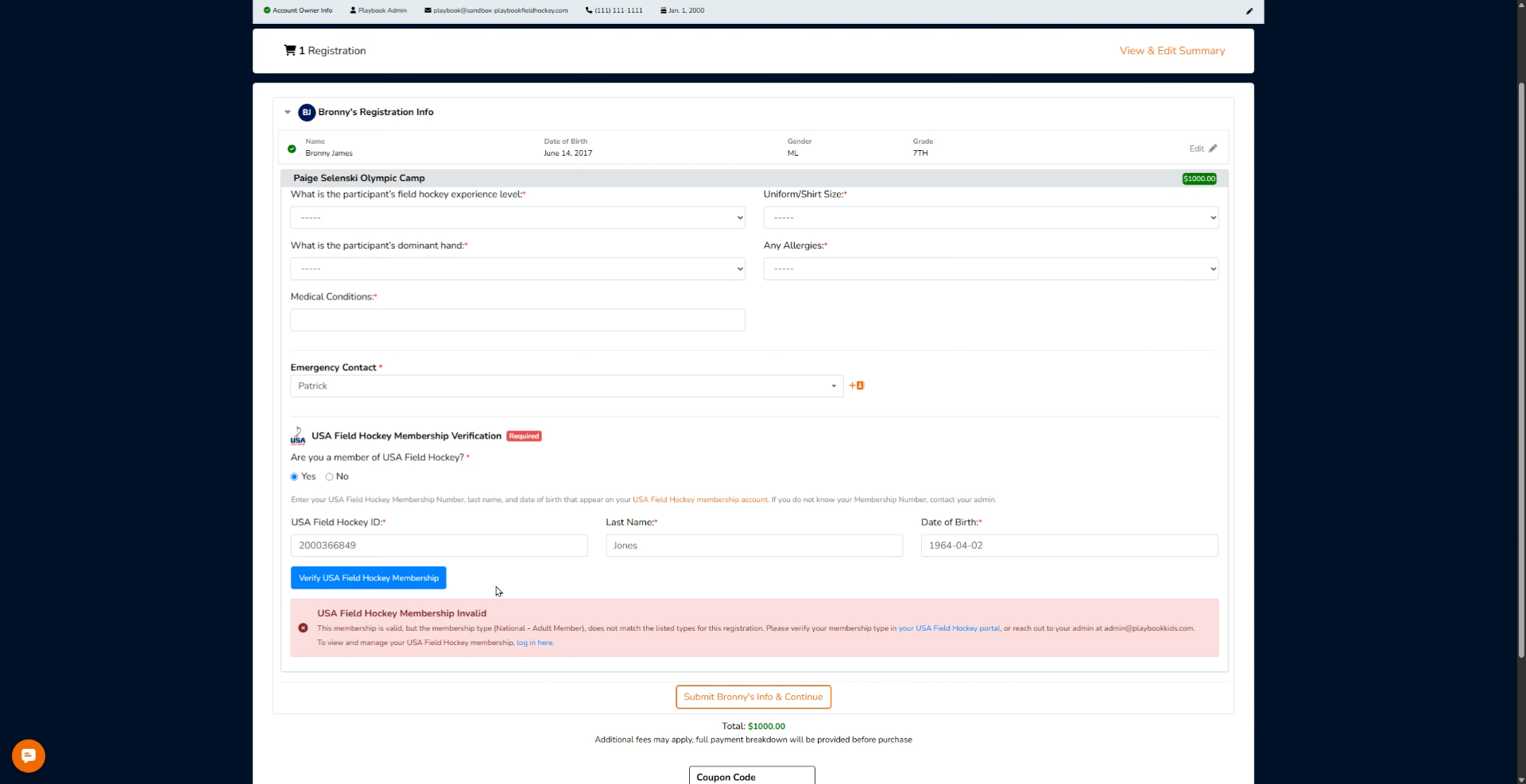
3. Identify Program Mismatch
That means your membership is valid, but this isn't accepted in the specific program that you're signing up for.
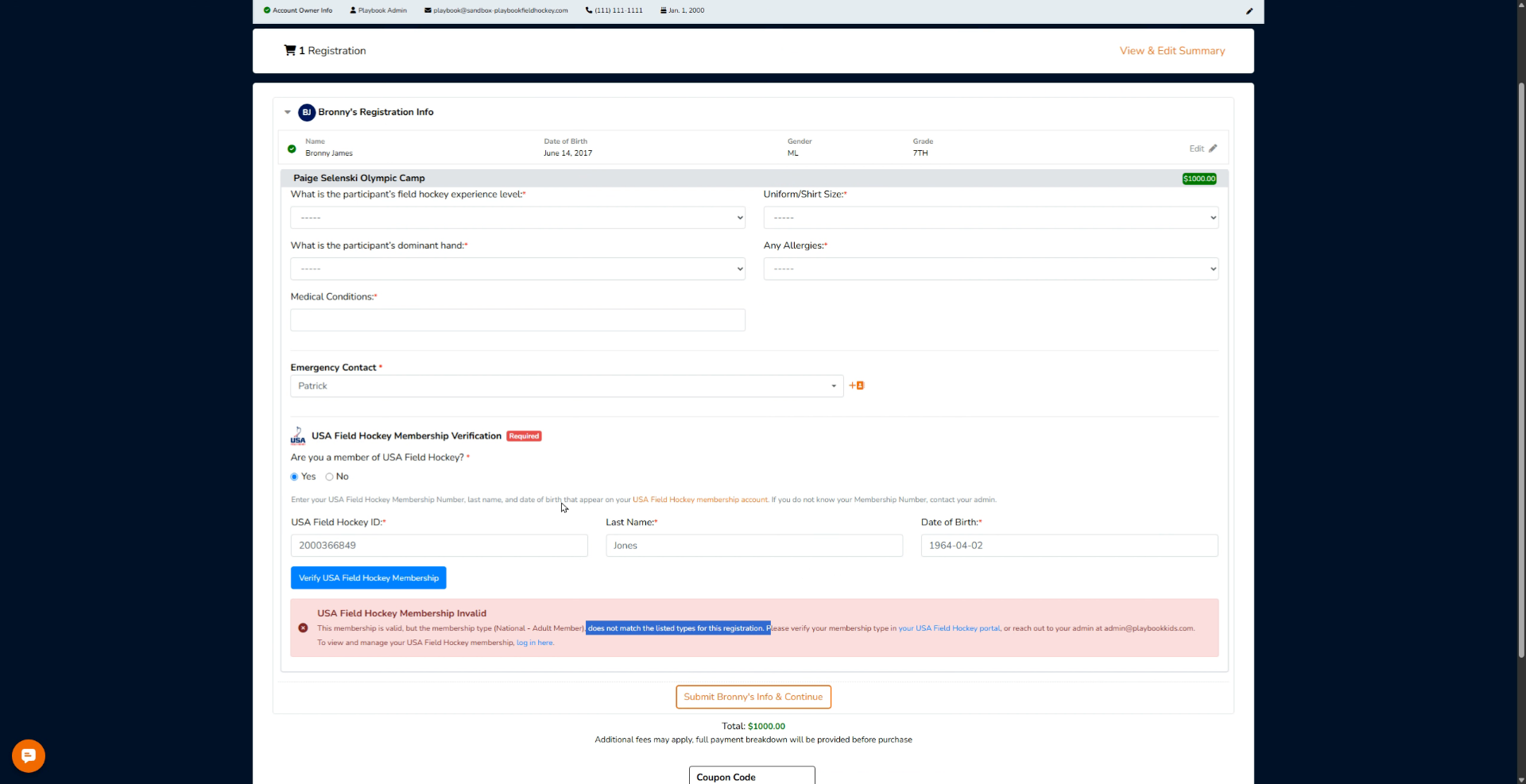
4. Contact Program Administrator
That means you need to contact the admin of the program. You can contact them by the phone number here in the top left corner or their email address.
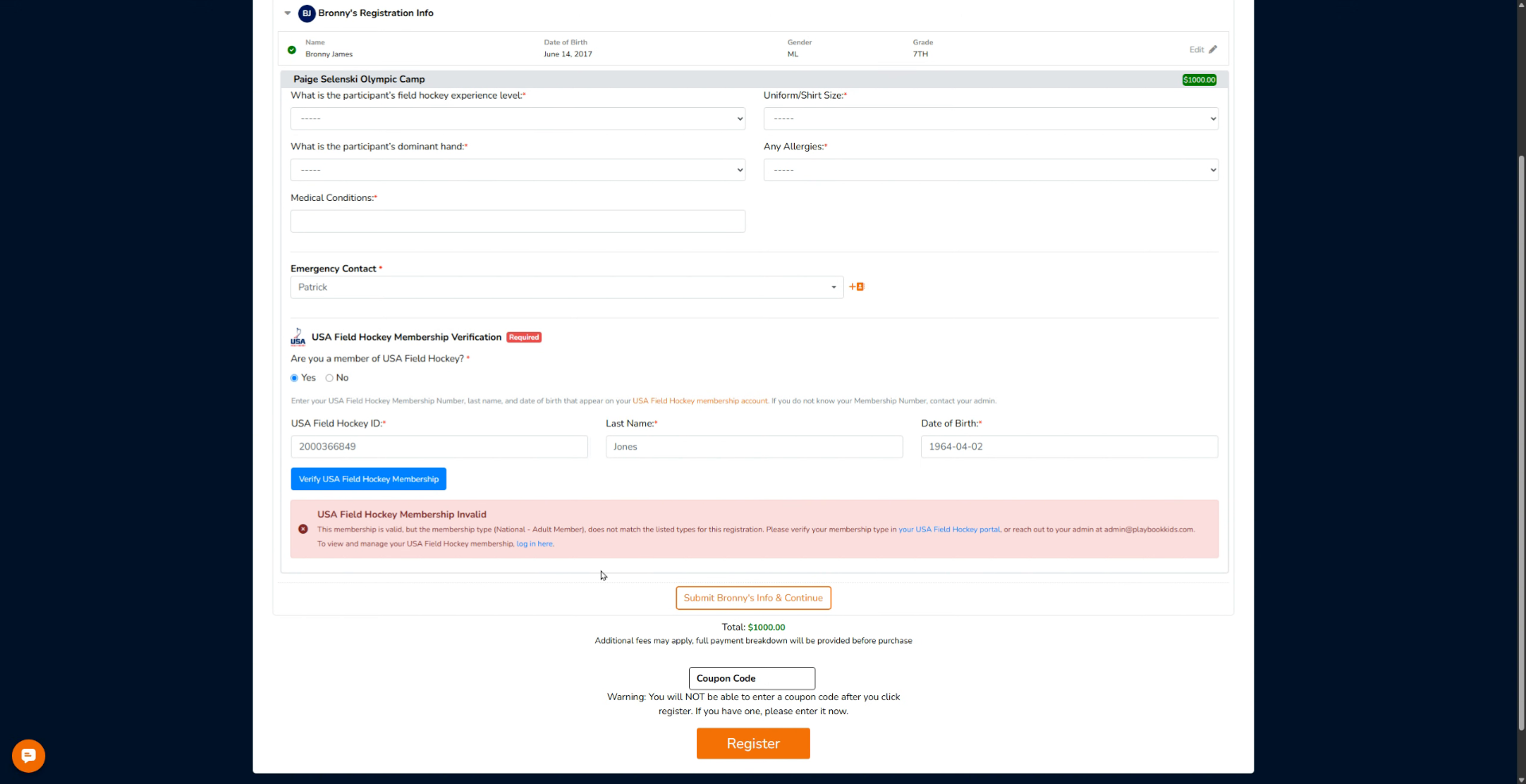
5. Enter Field Hockey ID
Click the USA Field Hockey ID field to enter your membership identification number.
6. Understand Membership Not Found Message
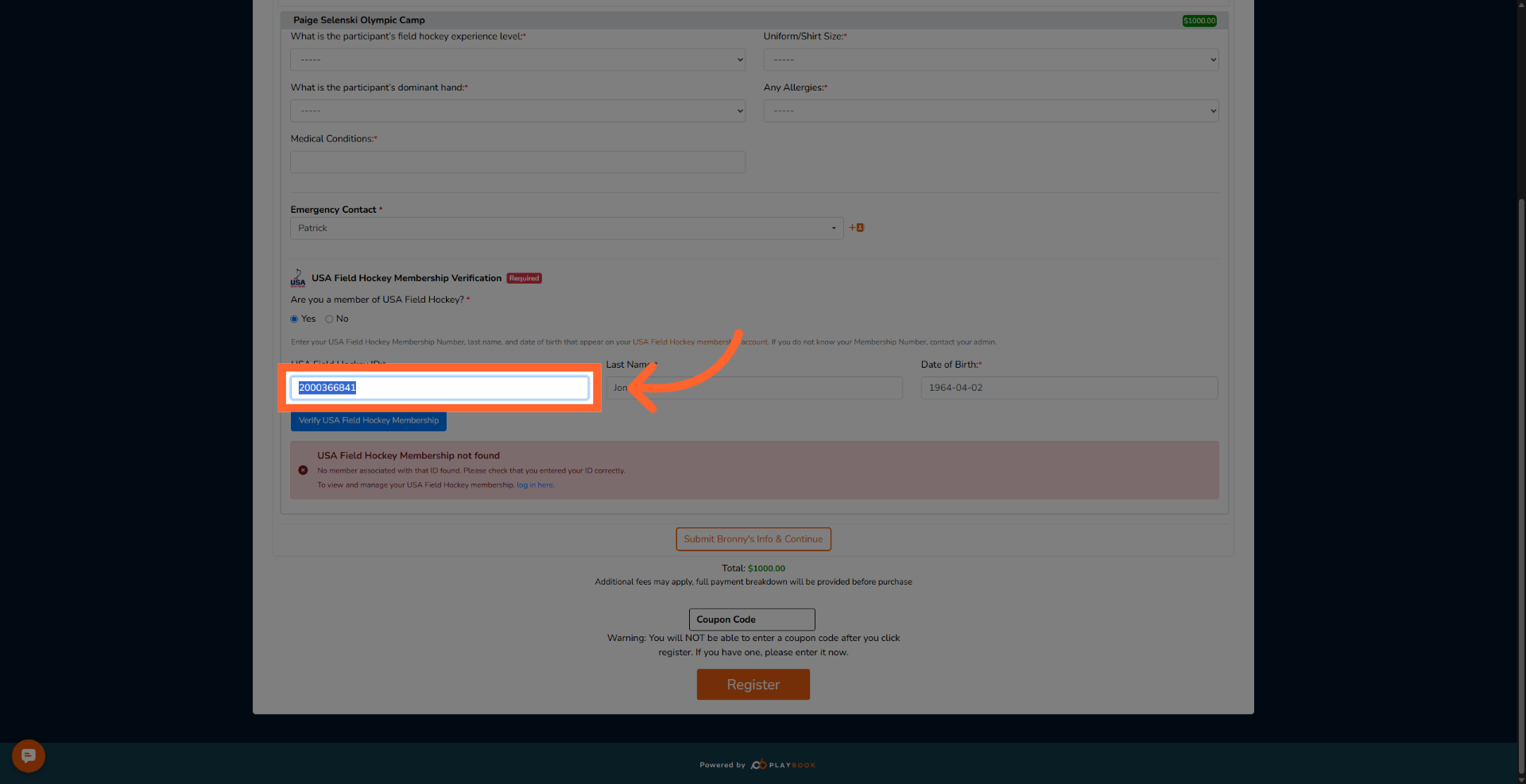
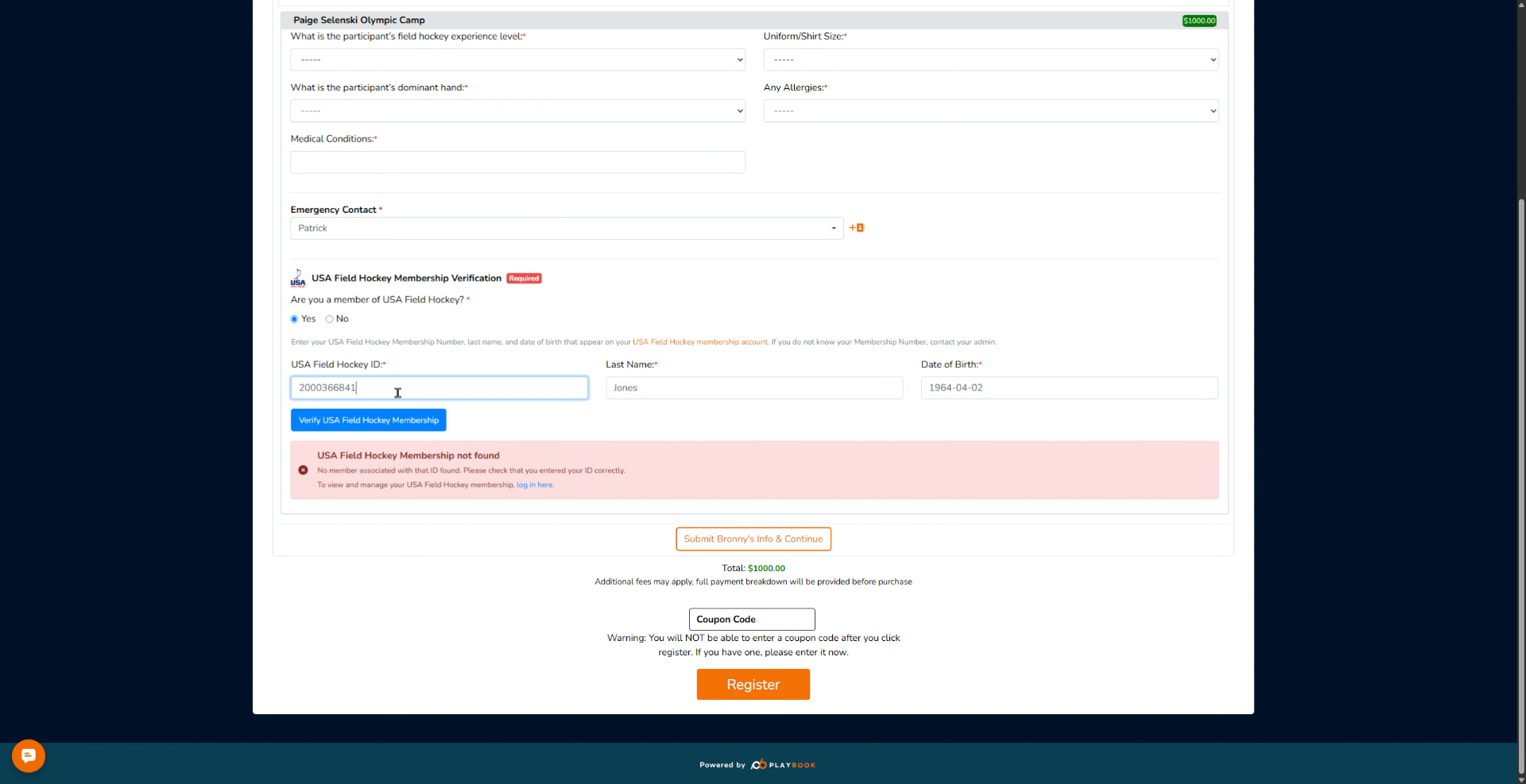
Next, it will also give you this specific message that says USA Field Hockey membership not found, so it means the membership ID you entered is incorrect.
7. Enter Field Hockey ID Again
Click the USA Field Hockey ID field to re-enter your membership identification number.
8. Check Last Name and DOB Match
Please ensure that the last name and date of birth are entered correctly and match your USA Field Hockey membership ID.
9. Enter Field Hockey ID Once More
Click the USA Field Hockey ID field to input your membership identification number again.
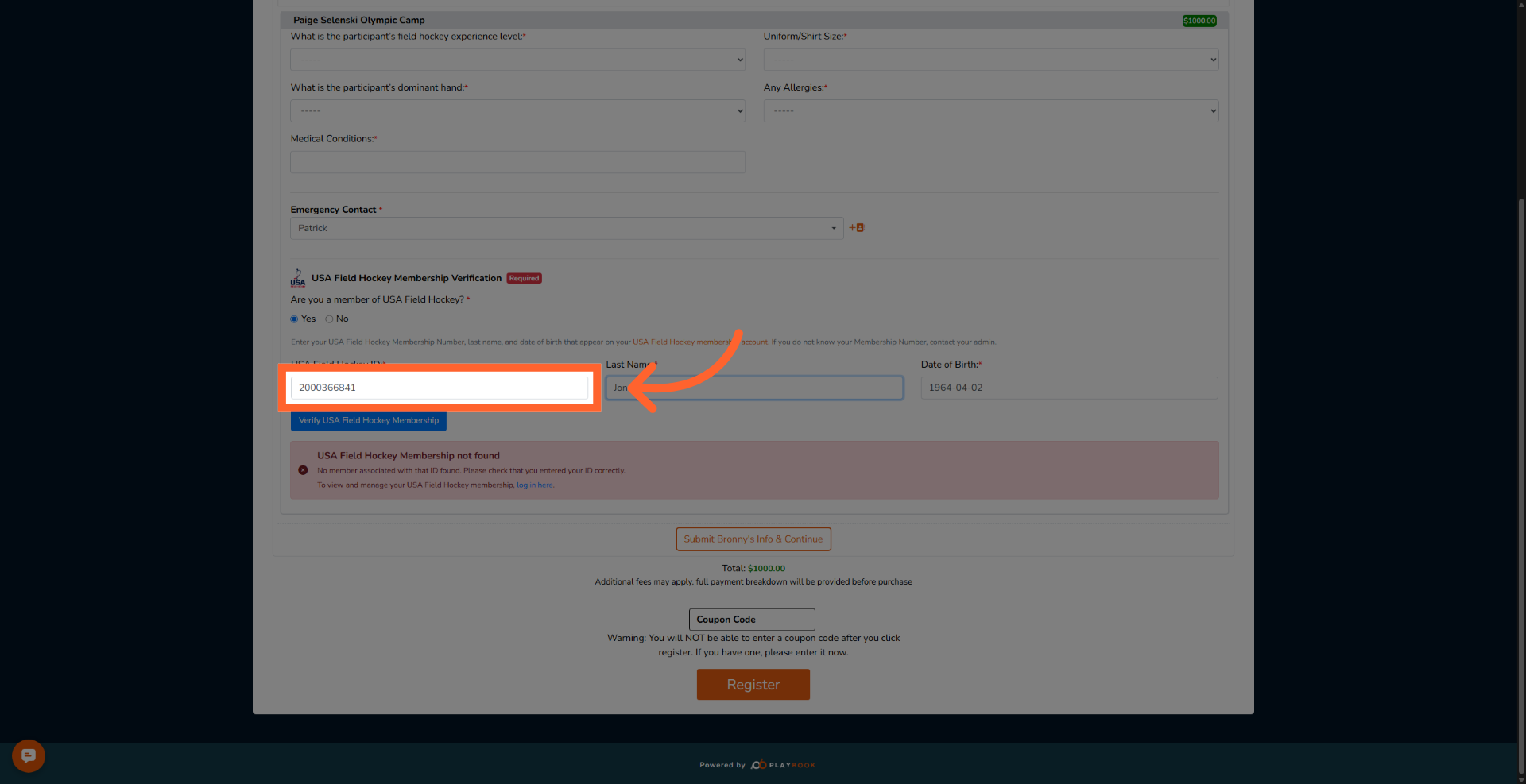
10. Test Last Name Mismatch Error
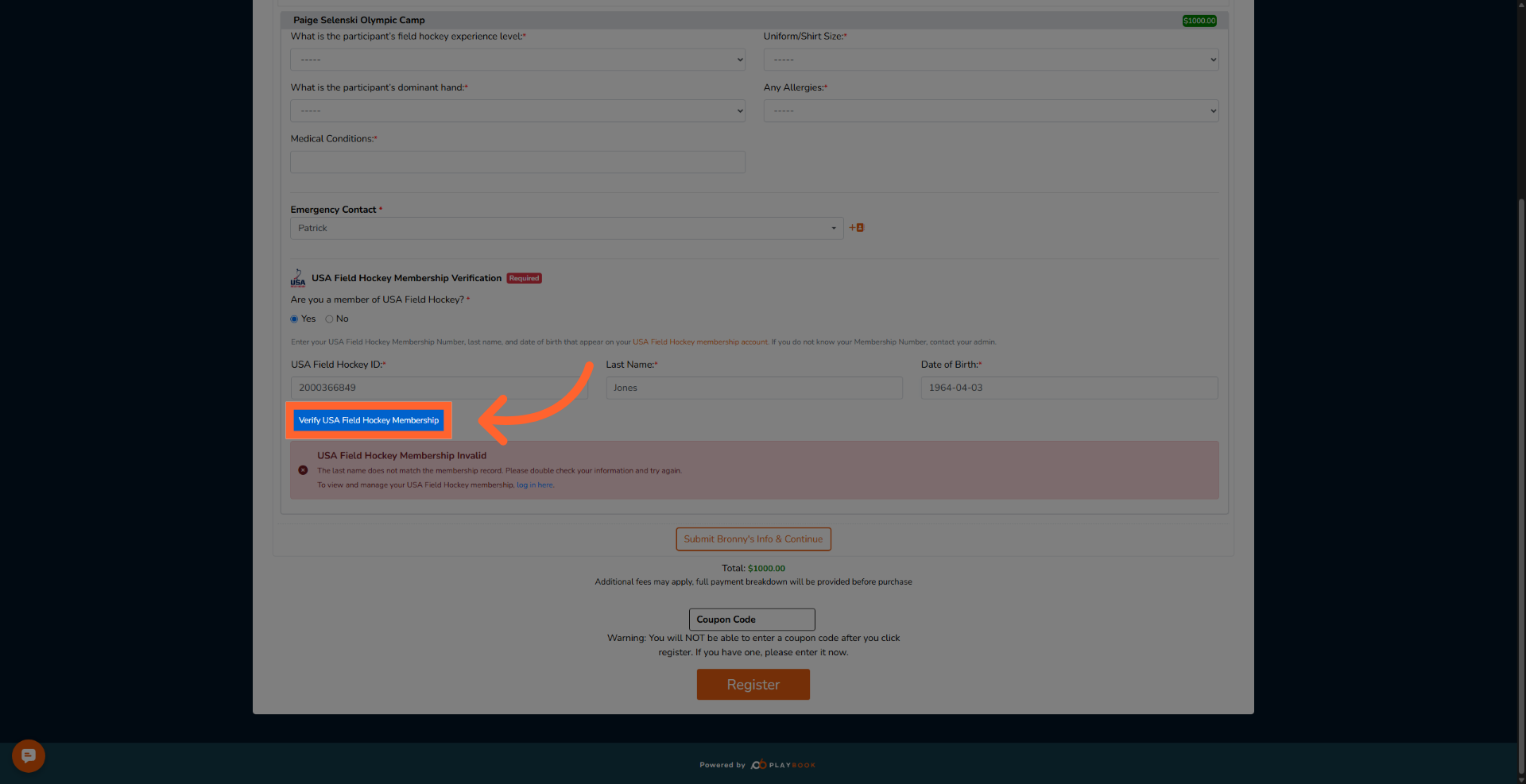
Now let's try going back to the first one where it's correct. This is the correct ID, but this time we're going to change the last name so it will not match. There's another error message. This time it says USA Field Hockey Membership Invalid. The last name does not match. So you better make sure the last name is matching.
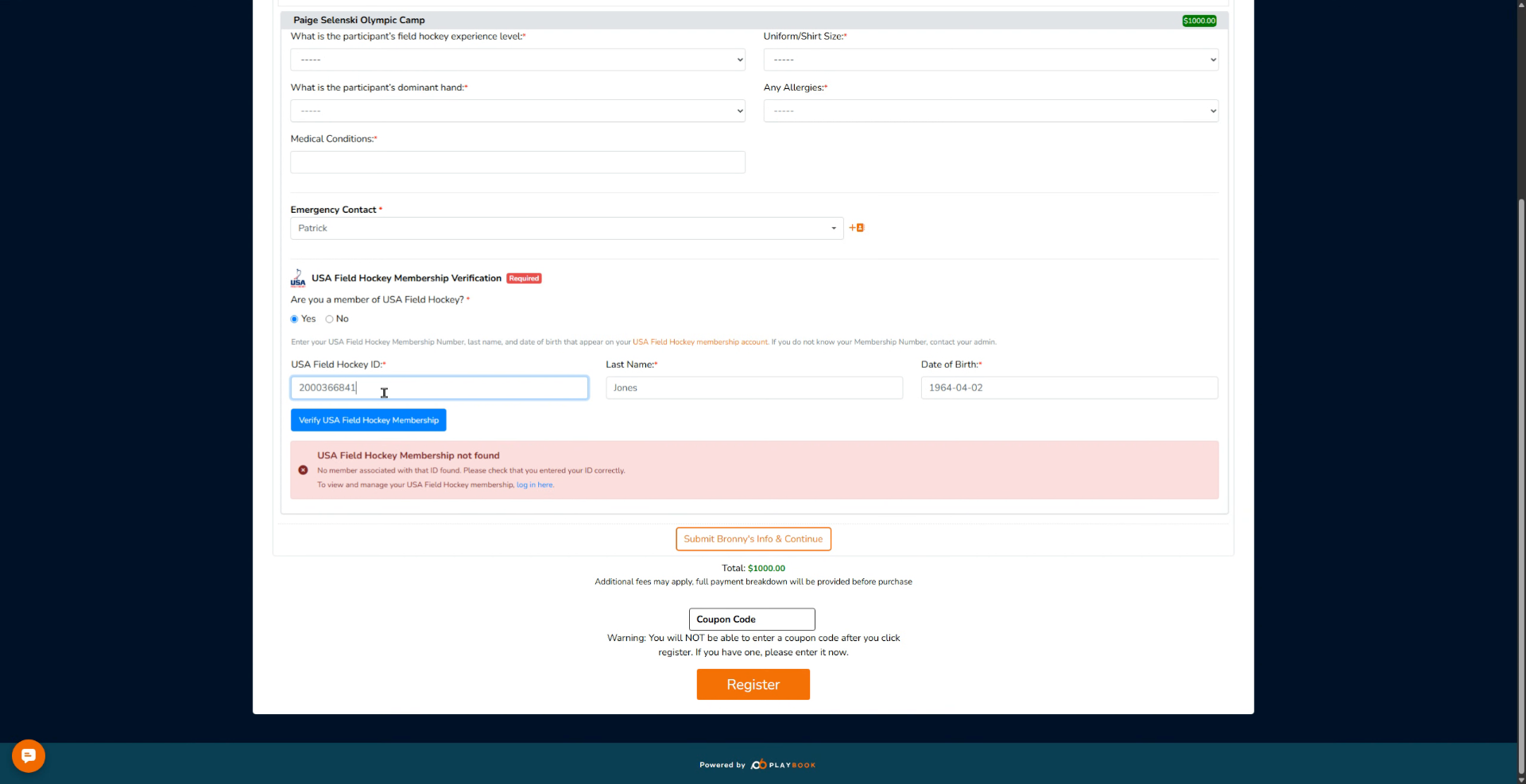
11. Ensure Last Name Accuracy
You also have to make sure that the date of birth is correct.
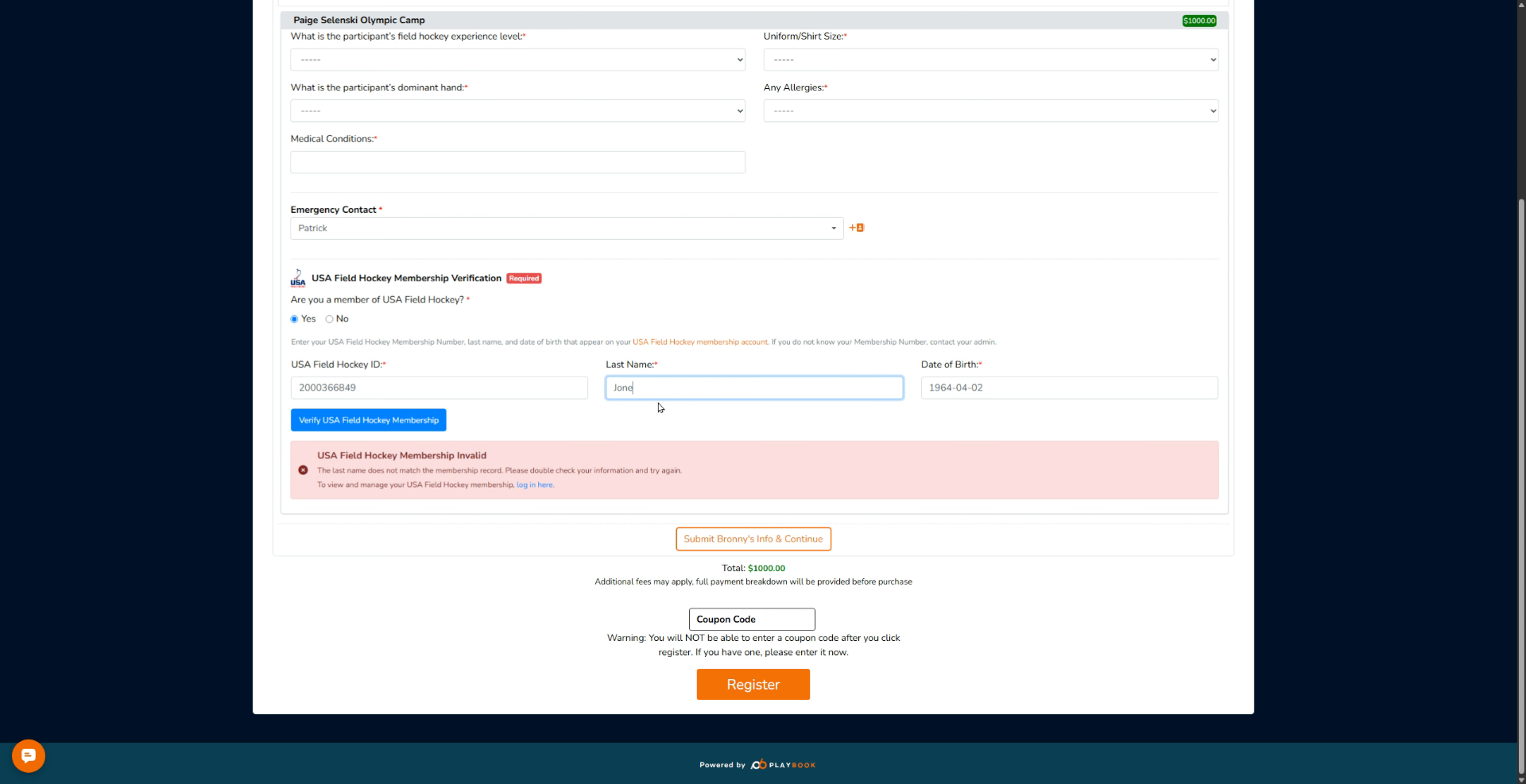
12. Enter Date of Birth
Enter the Date of Birth field to enter your birth date for membership verification.
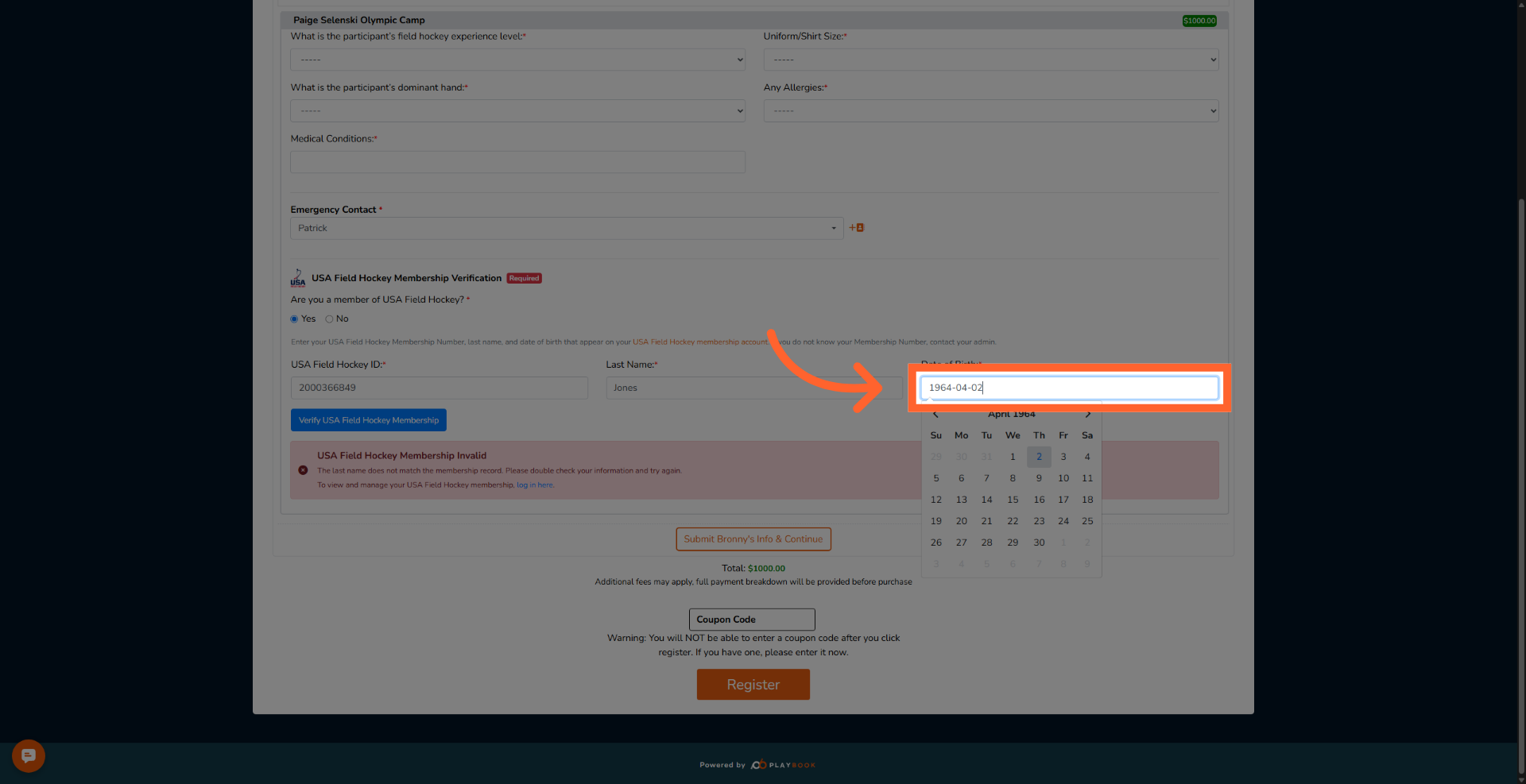
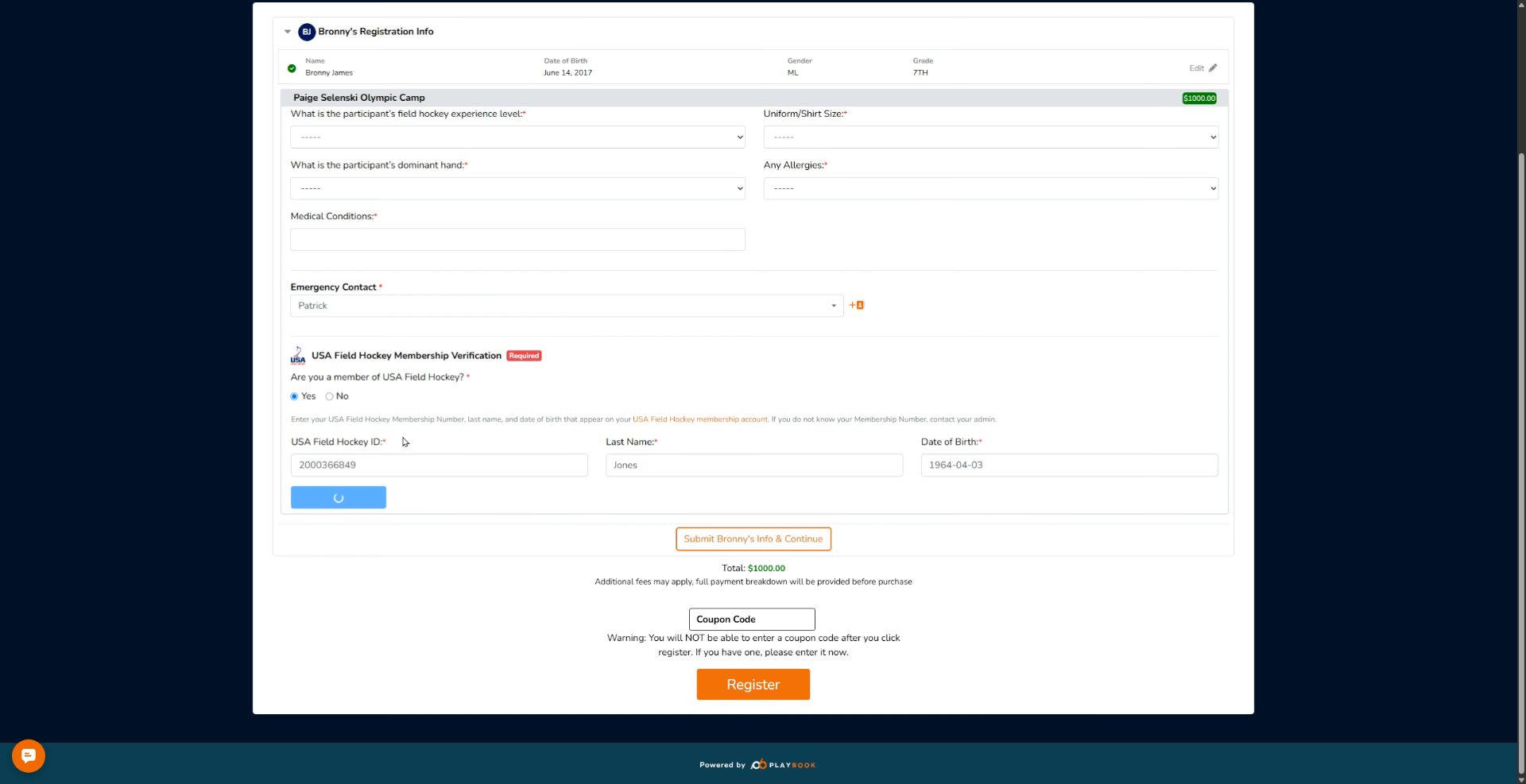
13. Verify Membership
Click the Verify USA Field Hockey Membership button to submit your information for validation.
14. Recognize DOB Mismatch Error
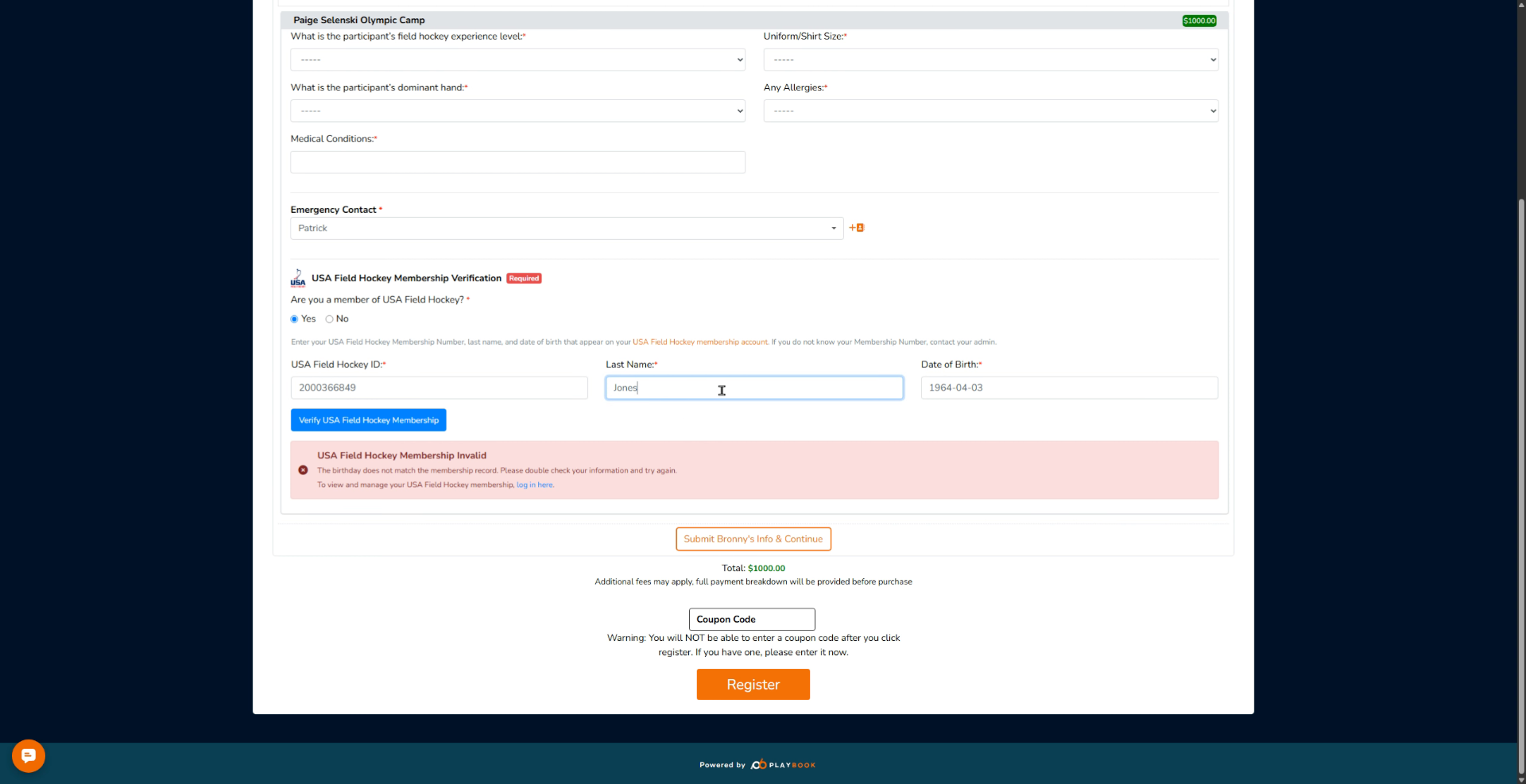
If you input an incorrect date of birth, it will show you the same error: the date of birth does not match the membership record.
15. Review Membership Issues Summary
Now that we know the different kinds of issues, that's it.
16. Confirm Valid Membership Details
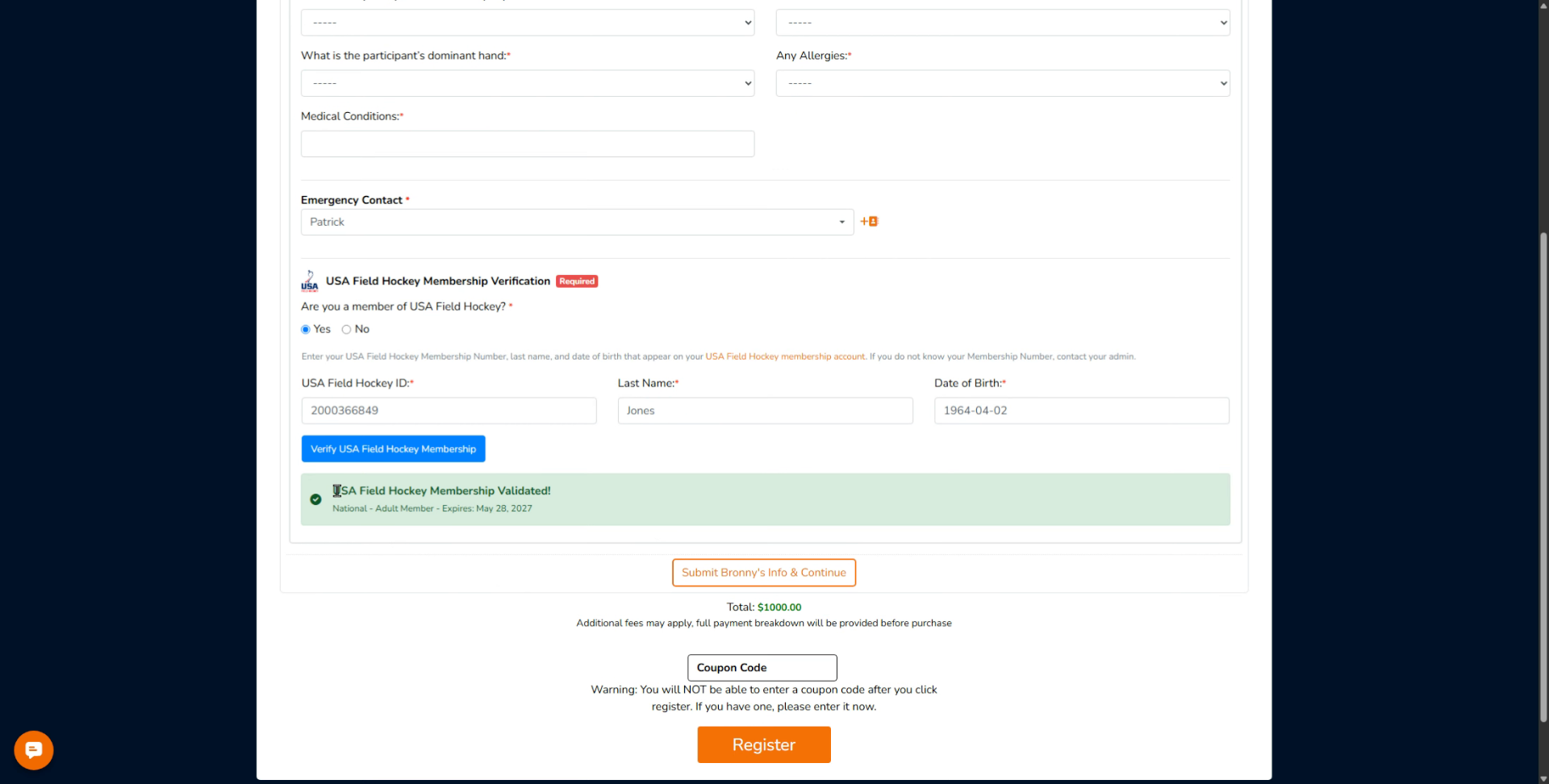
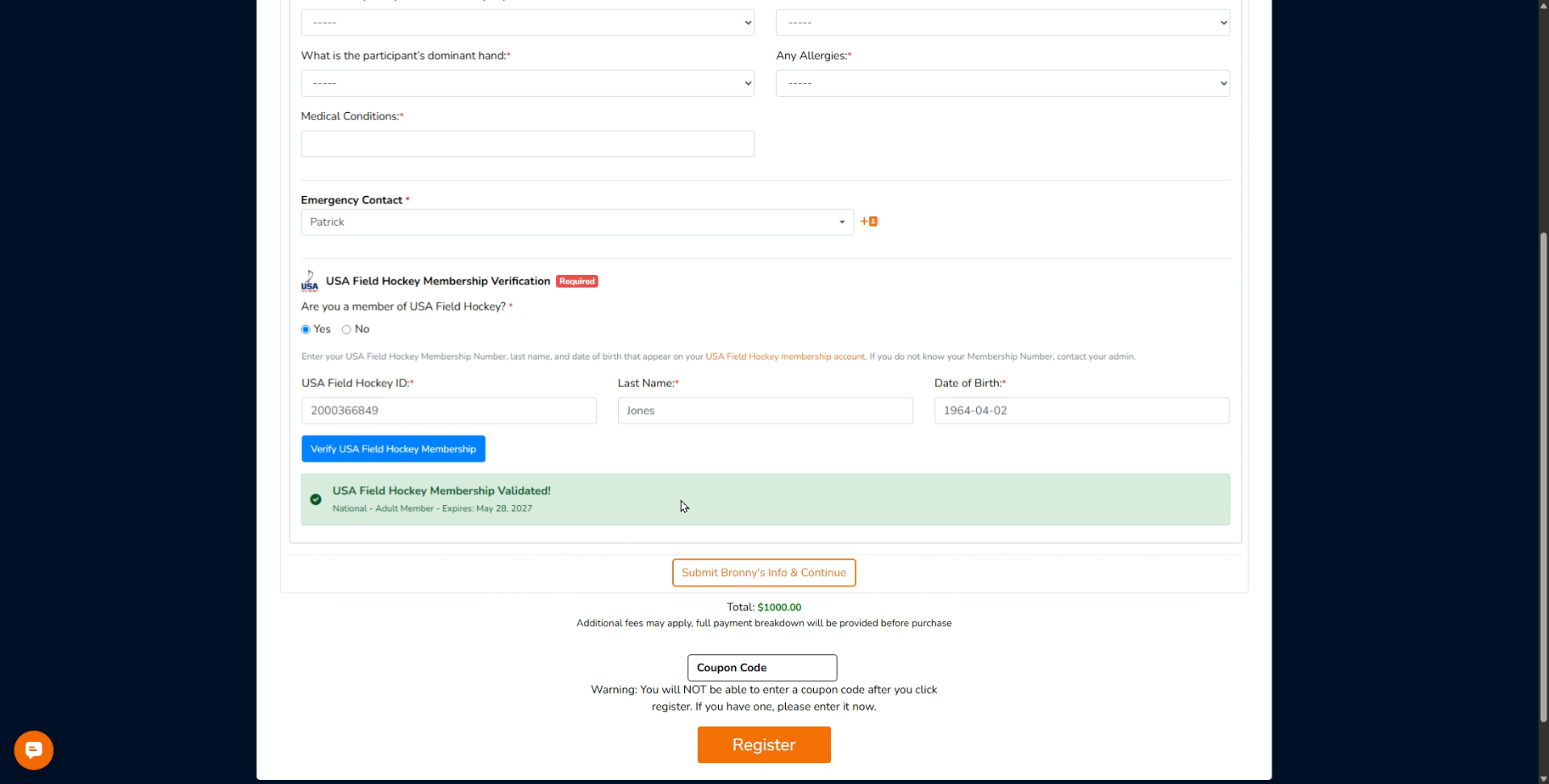
As you can see, this is a valid number. This is a valid last name. This is a valid date of birth. And you're going to get a message that says USA Field Hockey Membership Validated.
17. Proceed To Next Enrollment Steps
And from there, you can proceed to the next steps.
This tutorial explained the various error messages encountered during field hockey membership verification in Playbook and how to address them effectively.