Skip to content
English
  • There are no suggestions because the search field is empty.

Edit Family Settings and Membership Information Efficiently

00:00: Here is a quick tutorial in updating your Family profile information

00:04: especially your Field Hockey Membership Number.

00:06: First step is you want to go to your settings. That means you have to be logged in

00:10: and you have to go to family profile.

00:13: This is where you can edit your different information on the account.

00:21: So as you can see, we can click on each of them. You can edit profile.

00:25: Let's say I want to edit the information of this participant

00:30: Here are the different information you can edit. And this is where you can edit

00:33: USA Field Hockey membership information

00:37: Click USA Field Hockey Membership Number and add or modify the information.

00:41: Both the last name and date of birth can also be updated from here.

00:47: You can also verify the information

00:48: so if you go to the checkout page later and this information is required,

00:52: everything is all set.

00:54: This tutorial guides you through editing family settings information, including

00:58: profile details and membership

01:00: numbers, ensuring your account is up to date for checkout.


Here is a quick tutorial in updating your Family profile information especially your Field Hockey Membership Number.

 
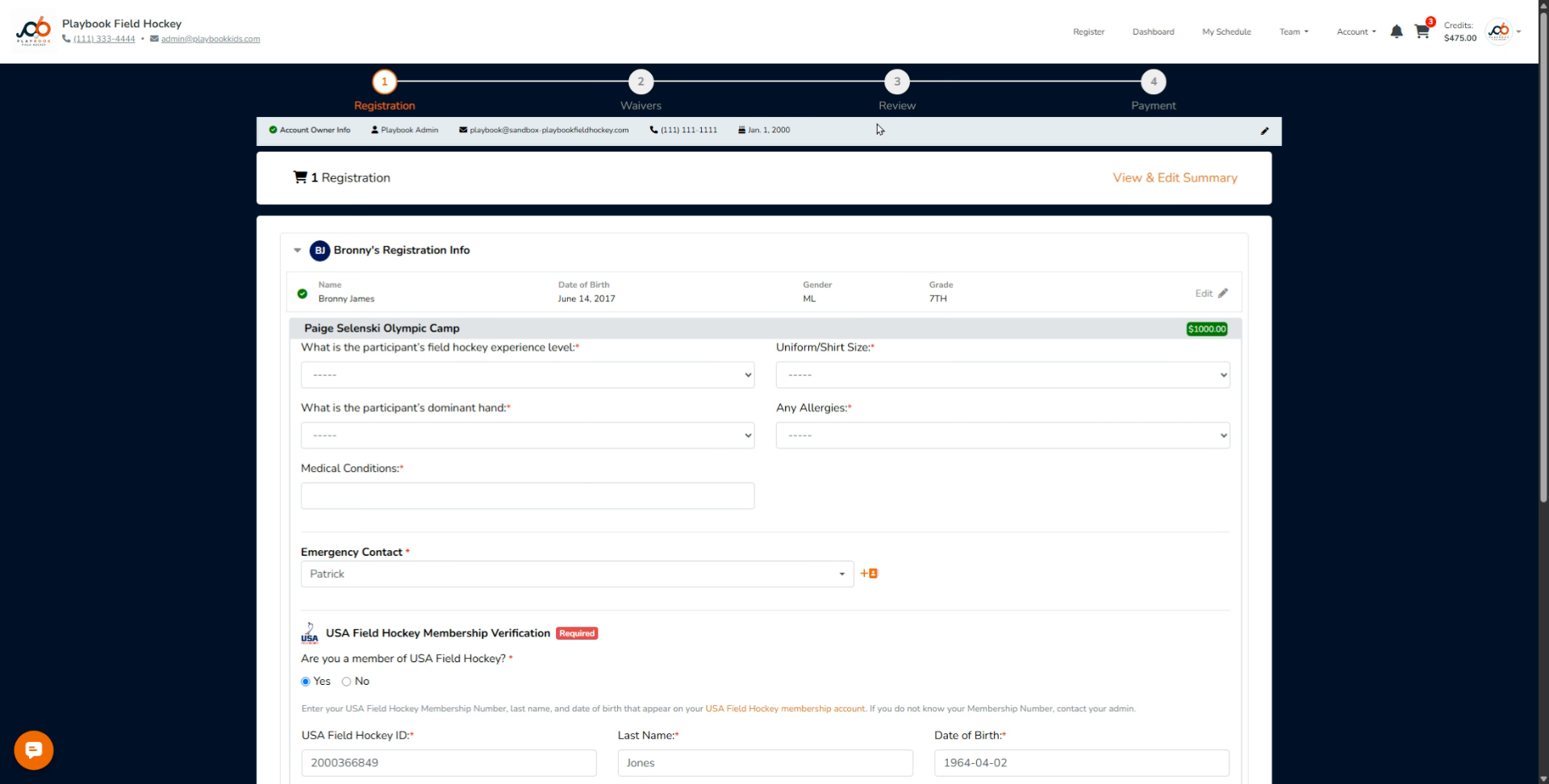
1. Navigate to Family Profile Settings

First step is you want to go to your settings. That means you have to be logged in and you have to go to family profile.
 
 
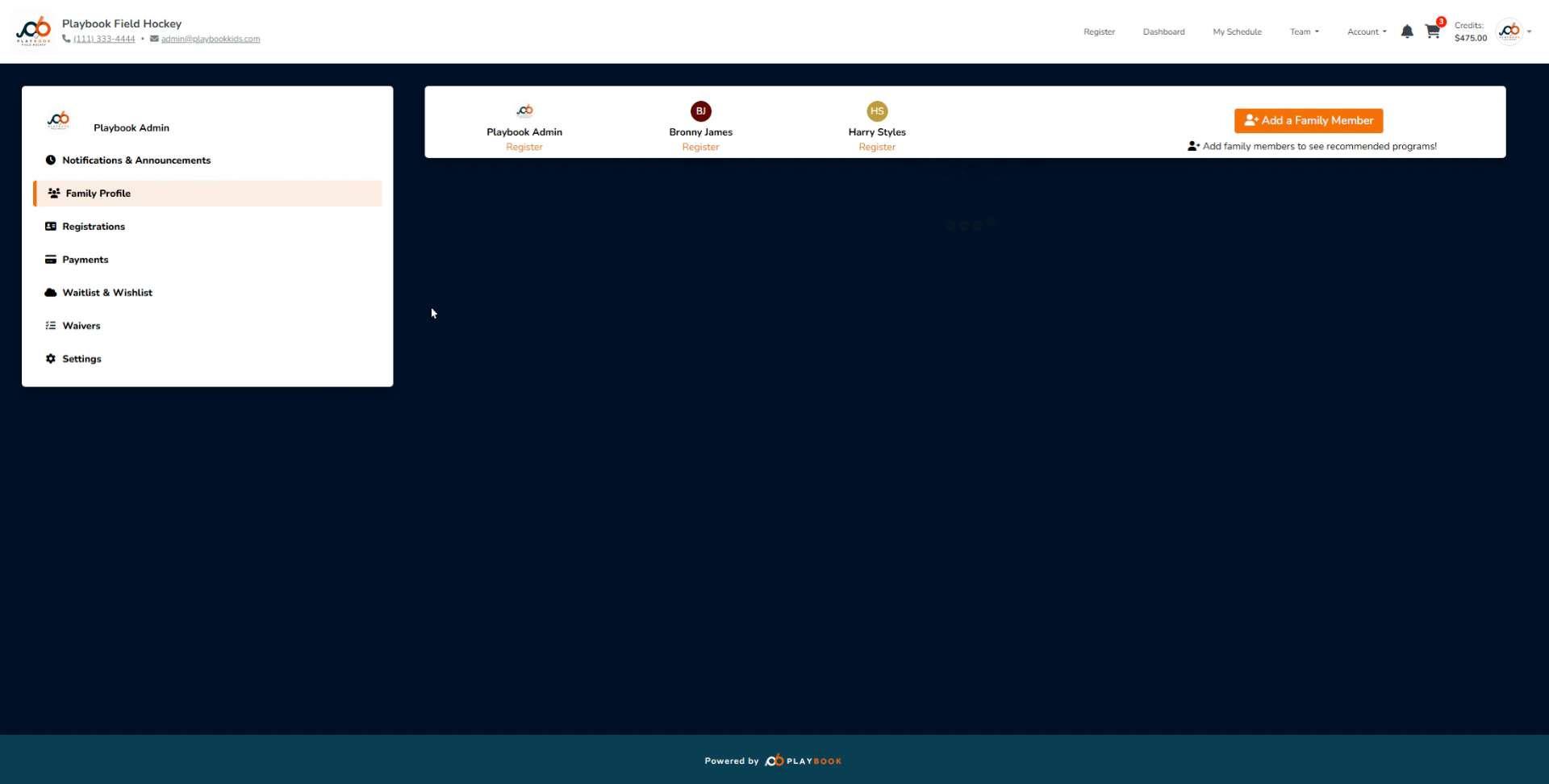
2. Edit Participant Information

This is where you can edit your different information on the account.
 
 
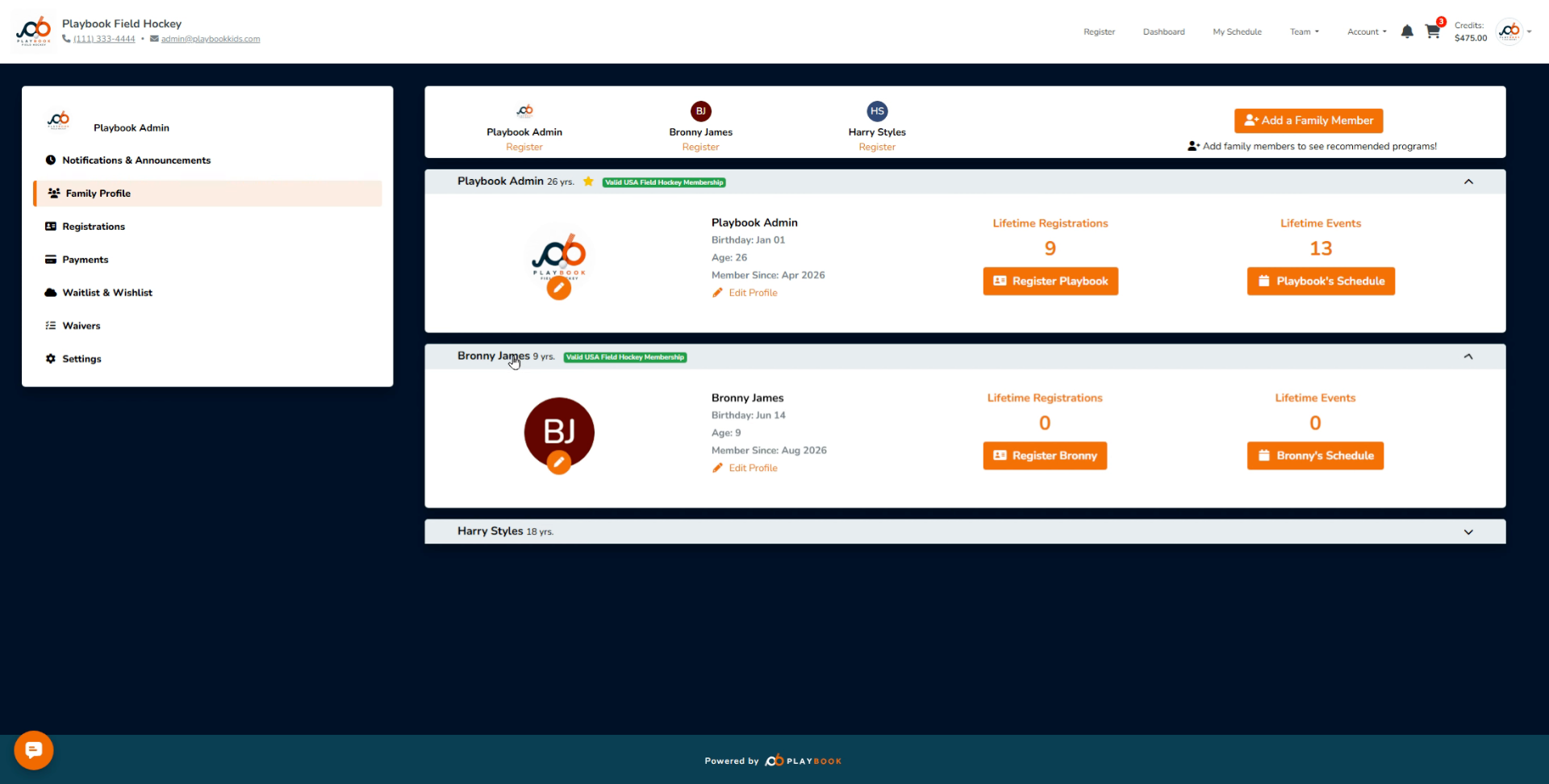
3. Select Profile to Edit

So as you can see, we can click on each of them. You can edit profile. Let's say I want to edit the information of this participant
 
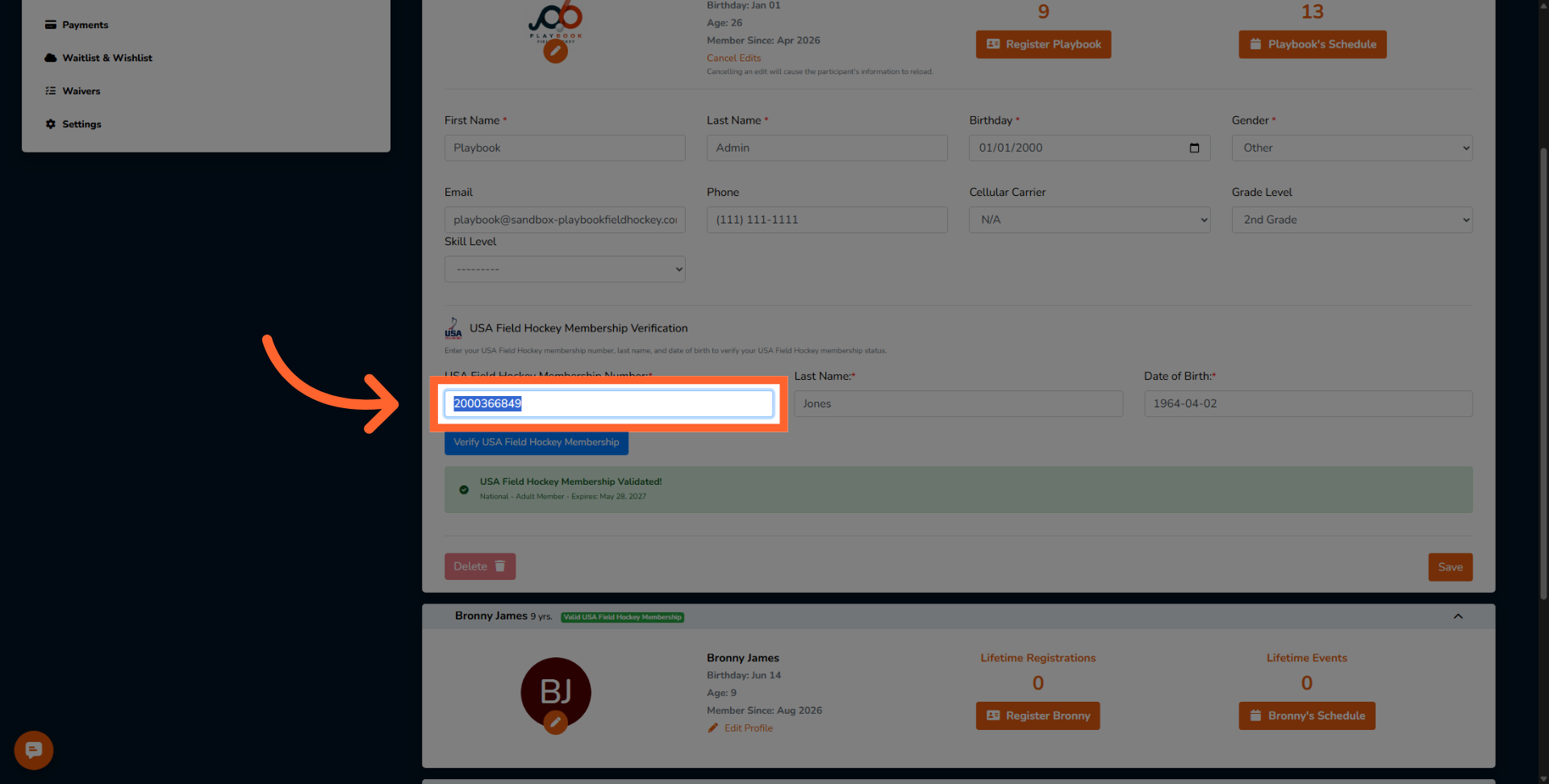
4. Edit Membership Number

Here are the different information you can edit. And this is where you can edit USA Field Hockey membership information
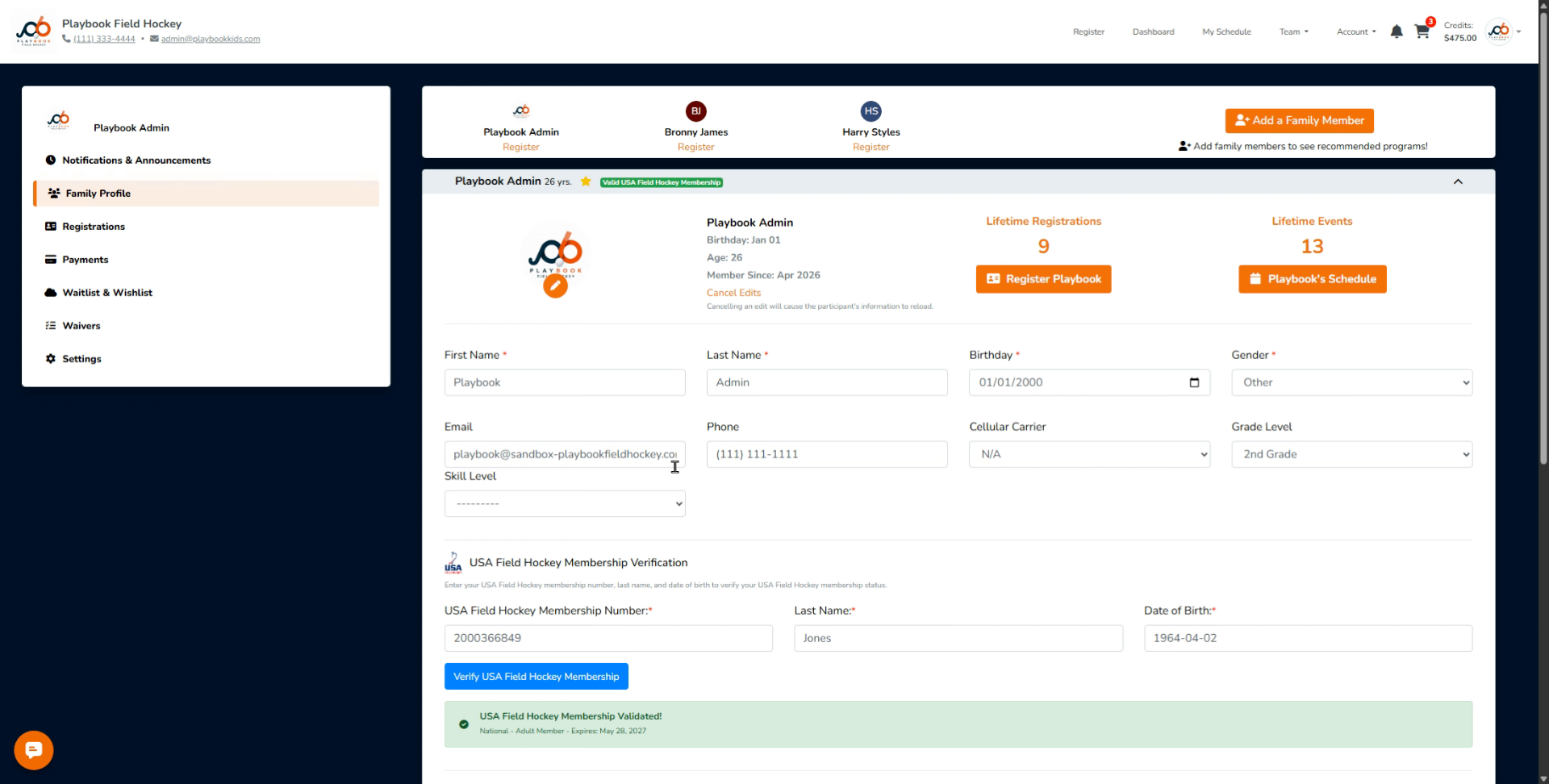
 
5. Open Membership Number Input

Click USA Field Hockey Membership Number and add or modify the information. Both the last name and date of birth can also be updated from here.
 
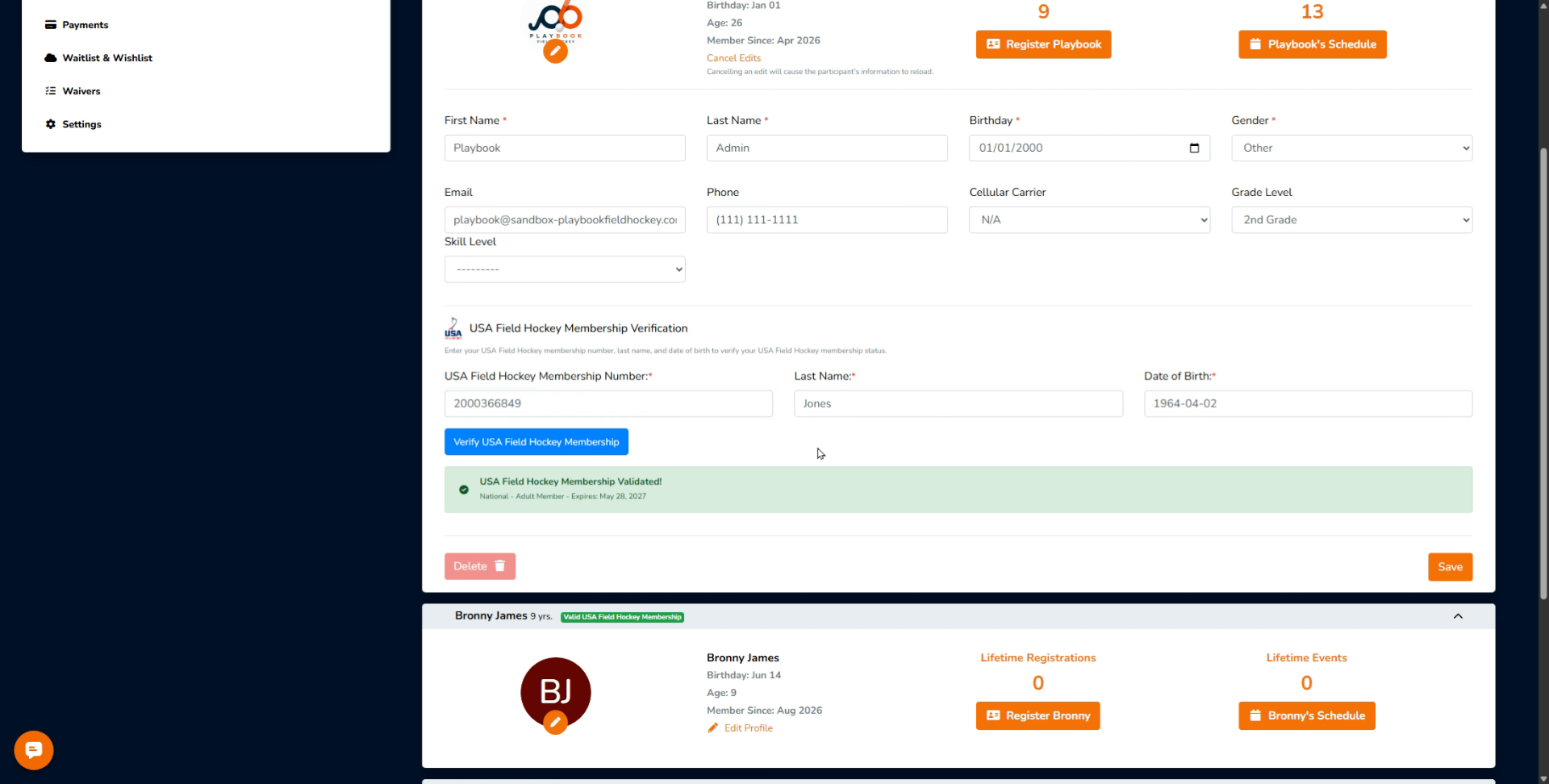
6. Verify Information Before Checkout

You can also verify the information so if you go to the checkout page later and this information is required, everything is all set.


This tutorial guides you through editing family settings information, including profile details and membership numbers, ensuring your account is up to date for checkout.